Rooms
Your PC.
Nothing else.
A phone and a simple viewer become a private workspace. Your Windows desktop on large, calm screens, and nothing else in sight.
Why Rooms
Great work needs
undivided attention.
Notifications, open tabs, the room around you. Each one pulls at your focus. Put on the viewer and only the work you chose is there. Close the door on distraction.
Home
Every room,
one look away.
Live replica · try it
Try it in your browser
Your session
Pick your apps.
Start working.
Each app on its own big screen, with the world you pick all around it.
Live replica · try it Try it in your browserThe workspace
Your desktop,
without the desk.
Control
Look. Tap. Type.
No controllers to charge or learn. Your head points, a look or a tap clicks, and your hands or your own keyboard do the rest.
Movie Theater
A private cinema,
wherever you sit.
Play the films and videos on your PC on a giant curved screen, in a theater that is yours alone.
Meditation Room
Step out
for a moment.
Seven living worlds: nebula, ocean, snow, fireflies, sunset, rain and zen, each with its own sound. Rest your eyes, then go back to work.
Recliner
Lean back.
Your screen follows.
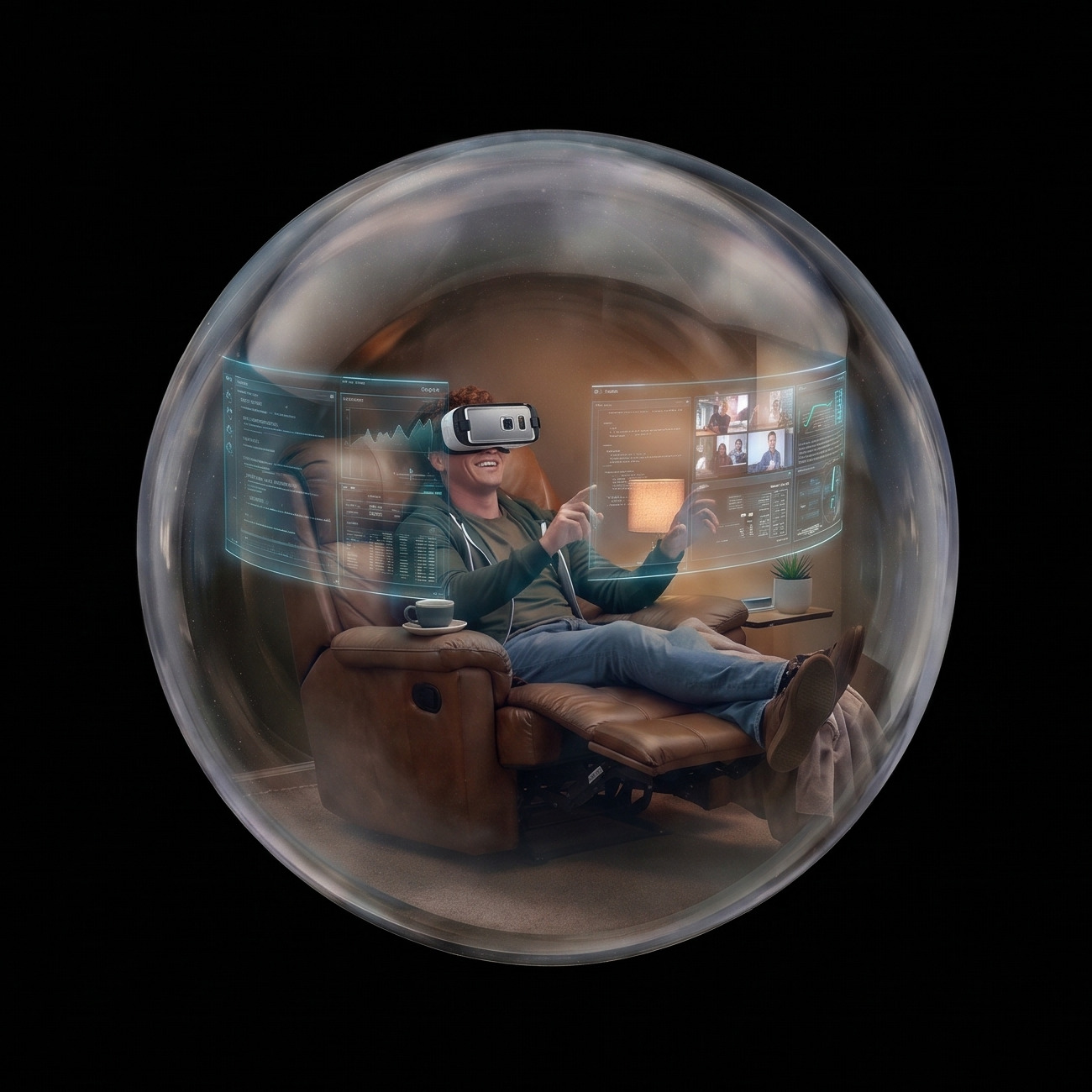
Recline on the sofa or in bed, and the screen moves up with your view. Hold still to bring it back in front.
- Works lying down
- Hold still to recenter
Privacy screen
Focused,
in plain sight.
While you work, your PC monitor shows a calm In Session screen. Anyone walking by sees that. Your desktop stays in your viewer.

How it works
Ready in a minute.
What you need
Probably already yours.
Your workspace
is ready.
Silence everything. Keep only your work.
Join the waitlistRooms — In Session · Windows PC · Android phone · Any phone viewer